
Thanks for your feedback.
Webex App | Make someone a team moderator
 Feedback?
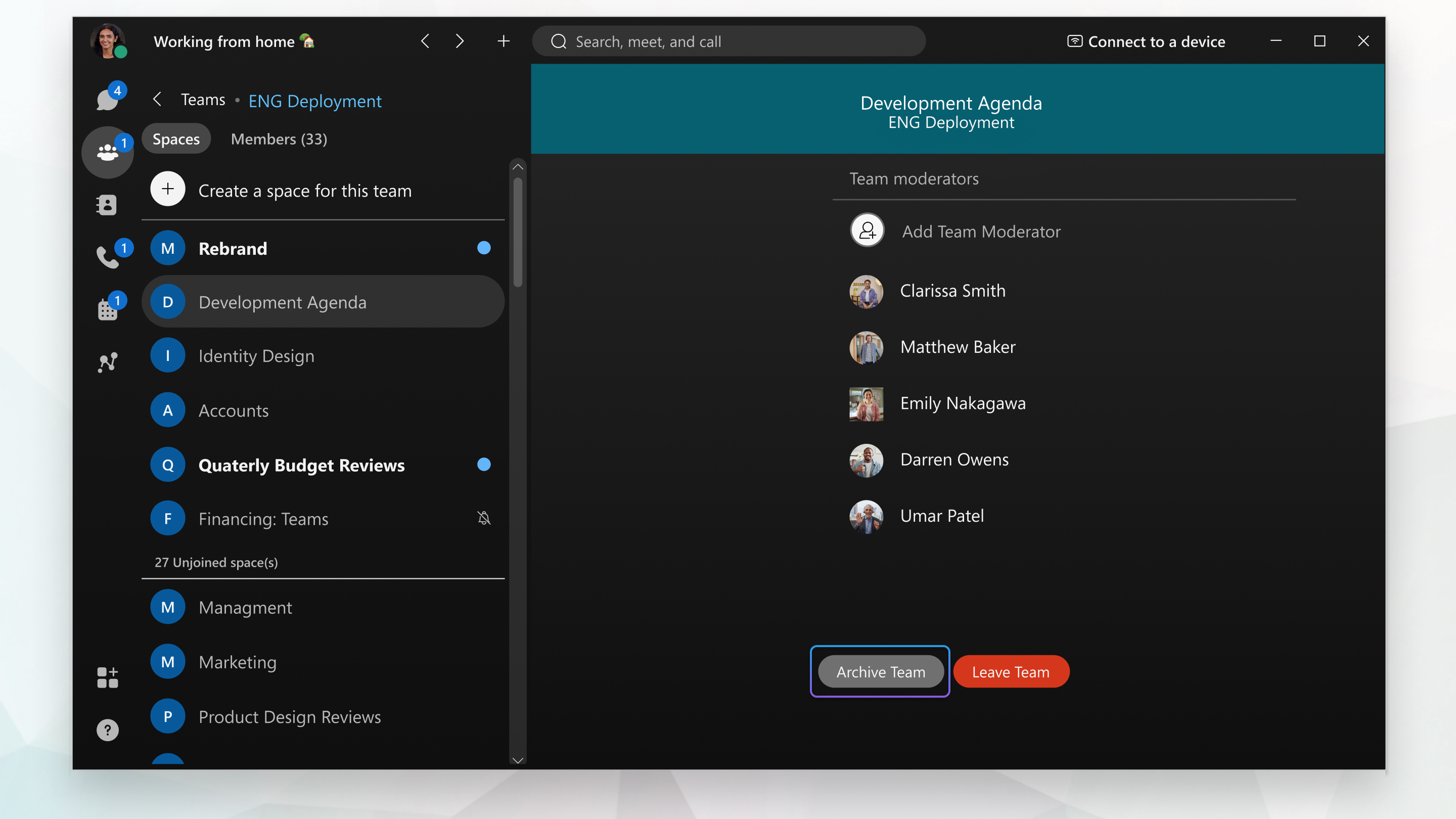
If you're a team moderator, you can add someone else as a moderator, which also adds them to the team.
|
Go to your Teams
You can also right-click on someone in the Team moderators list to remove them as a moderator. |
 and choose the team. Select
If you're a team moderator, you can add someone else as a moderator, which also adds them to the team.
|
Go to Teams
To remove someone as a moderator, hover on their name in the Members list, click more
|

 , and select
 If you're a team moderator, you can also make someone else a moderator. However, you may need to add them to the team first, if they're not already a team member.
|
Tap on , and choose the team, then tap Team Members. Tap on the person and then select Assign as Moderator. |
If you're a team moderator, you can add someone else as a moderator, which also adds them to the team.
|
Go to Teams
To remove someone as a moderator, hover on their name in the Members list, click more
|


